


 Hello guys ! This time i'll share again about Cs Global Offensive 2012. Why i share this again ? Because the download link in the old post was dead and this time is not Beta. Well, i'll give you a new download link, but not in the mediafire. I'll give download link in Letitbit. I can't find Mediafire link, because all of them was deleted. But don't worry, you still can pause and resume the download. Enjoy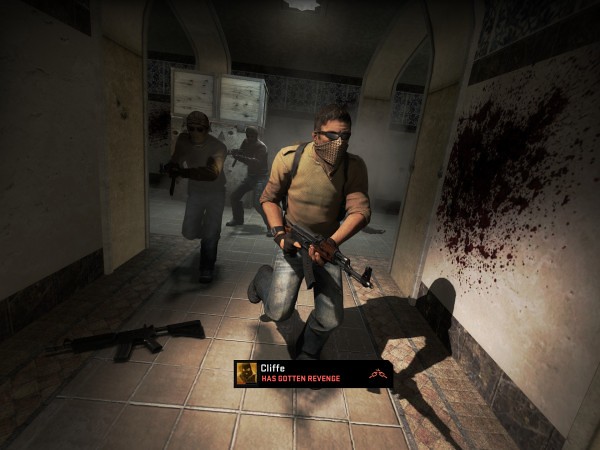

- Windows 7 / Vista / XP
- Processor 3.0 GHz P4, Dual Core 2.0 (or higher) or AMD64X2 (or higher)
- Memory 1GB XP / 2GB Vista
- Hard Disk Space sekitar 6 GB dari jumlah space
- Video card 128 MB atau lebih dan DirectX 9-compatible mendukung Pixel Shader 2.0b (ATI Radeon X800 or higher / NVIDIA GeForce 7600 or higher / Intel HD Graphics 2000 or higher)
- Audio DirectX 9.0c compatible.
1 Install VMware Workstation v8.0.1 Full. Download her
2. Open VMware, on the "File" menu - "Open" to select "Open image format for virtual machines" and import the folder Image \ CSGOBeta.ovf.
3. Play the game with a shortcut on the desktop virtual machine.
Here's how the download when in trouble ...
1.Select "Download on slow speed"
2. Once open, there are two options again. Select the bottom "After advertisement and 60 sec. waiting
(speed ~ 50 kbs) "
3.If it appears a pop up, press "Cancel"
4. Finally, wait for 60 seconds. Then enter the captcha code from image and click "Done" download Game For Global Offensive Counter Strike 2012
Click Here to Download ( 6.03 Gb )


makasih,akhirnya saya bisa nge share di kelas saya
ReplyDeletetetapi apakah tidak ad yang mendownload per part?
ReplyDelete@ apaja : Gak ada gan. Saya cari-cari di Google gak ada. Semuanya sudah dihapus. Yang masih aktif hanya ini saja
ReplyDeleteya sudah,tak ap
ReplyDeletekk, itu berupa installer ?
ReplyDeleteiya
ReplyDeletegan knp pass di extrak filexa corrup gag mau keluar tolong pencerhana xa
ReplyDelete@Ady Projeck : Masa' sih gan ?
ReplyDeleteCoba download lagi. Biasanya korup karena pernah di pause