


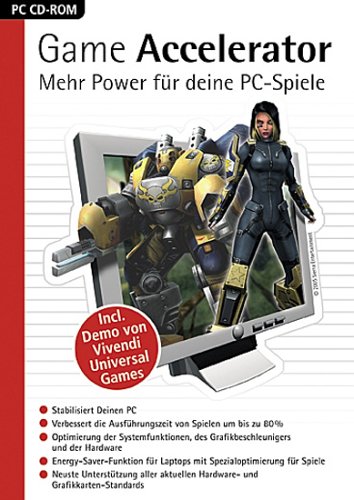
Screenshot

Nanti di dalam folder akan ada cara instalasi. Namun dalam berbahasa Spanyol. Untuk cara instalasi bisa lihat Tutorial di bawah ini :
Installation Manual:
1.Implement gaccel.exe installer and close the program once the
facility. (Find the minimized icon and close it)
2.Ir to the program folder and delete the files: gamexl.exe and gres.dat
3.Ejecutar the installer gameupdate.exe
4.Copy the Activator.exe within the program folder and apply the patch
READY, WE HAVE THE FULL PROGRAM ^ ^
1.Implement gaccel.exe installer and close the program once the
facility. (Find the minimized icon and close it)
2.Ir to the program folder and delete the files: gamexl.exe and gres.dat
3.Ejecutar the installer gameupdate.exe
4.Copy the Activator.exe within the program folder and apply the patch
READY, WE HAVE THE FULL PROGRAM ^ ^


Gan gimana cara pakai ini supaya COD Black ops tidak lag
ReplyDelete@Fachrul pamungkas : Setelah anda install, klik 2x icon Game Accelerator di System Tray. Pilih sesuai keinginan anda
ReplyDeletekak kok di Windows Ultimate 64 bit ga jalan ?
ReplyDelete@Rheza Ensiklopedia : Kurang tahu gan
ReplyDeleteAduuhhh, File nya virus...
ReplyDeletekedeteksi sama Avast Premier 2014
gan bisa di tutorin nggak itu cara penginstalanya... kurang begitu paham saya
ReplyDeletekalo buat sinyal kuat apa gan
ReplyDeletesinyal kuat saat gaming